Guides
Tire shop software, reviewed without the sales pitch
Tire shop software cannot be ranked from a page. A twelve-point trial design that tests any candidate on your own jobs, data and exit terms.
What to take away
- Tire shop software cannot be ranked from a page. This piece names six products, and a ranking written by someone who has not run your shop's jobs through them is a description of marketing material.
- No product here is ranked and none is recommended. A winner would need your jobs, your stock and your counter staff, and no vendor demo supplies those.
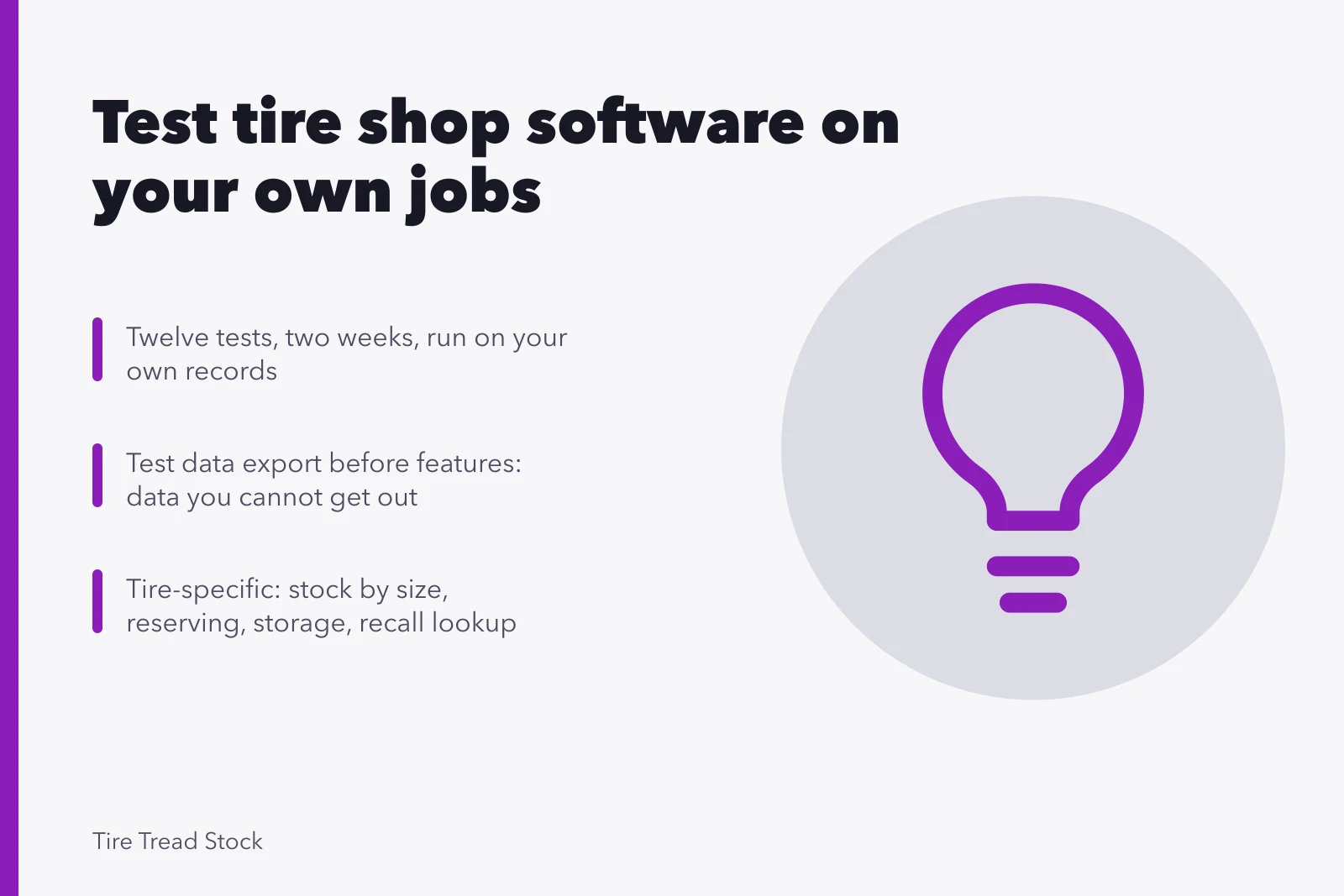
- Run a structured trial with your own records instead. Twelve tests, two weeks, and the field sorts itself.
- Test the exit before you test the features. Data you cannot get out is data you no longer own.
- The tire-specific tests are the ones general reviews never cover: stock by size, reserving against a booking, storage location, recall lookup.
- Total cost includes per-user fees, payment processing, integrations, support tiers and the migration you will eventually do.
The named products, and what a trial must prove
Software fit is specific. A two-bay shop with heavy seasonal storage needs different things from a five-bay shop doing mostly walk-in fitment and alignment.
Pricing changes between releases, and support quality varies by region and by the day you call. So this is not a ranking. Each entry gives what the vendor publishes about the product, and the gap to probe during a trial.
The named products
- MaddenCo TireMaster.Made by MaddenCo in Evansville, Indiana, for tire dealers and retreaders. It carries size and brand inventory, retread tracking and dealer accounting. Pricing is quoted per store, typically a few hundred dollars a month for a small shop plus setup, so ask for the written quote.
- Shopmonkey.Cloud shop management for general repair, with published plans starting near $199 a month per location and higher tiers for more users. Tire stock runs through a parts catalog, so make it prove the size grid and the reservation lock.
- Tekmetric.Cloud shop management with published tiers starting near $199 a month per shop, and reporting built for multi-bay operations. Repair orders sit at the center of the product, so ask for a live look at seasonal storage and size-based stock.
- Mitchell 1 Manager SE.Sold through local Mitchell 1 representatives with quote-based pricing, and long established in general repair. Labor estimating comes from the Mitchell 1 guides, and tire quoting depends on the catalog add-on in your quote.
- AutoLeap.Cloud shop management with parts ordering built in through PartsTech and a QuickBooks connection. Price is quoted per shop, and tire inventory is not the native strength, so run all twelve tests before signing.
- Shop-Ware.Cloud shop management built around photo and video inspections, with pricing quoted per shop. Tire sizing is a catalog lookup, so time the stock question at the counter.
Side by side, here is what each one is built for on tires, and where the gap sits:
Named products
Tire-specific strength
- MaddenCo TireMaster
- Tire-native stock by size and brand, plus retread tracking
- Shopmonkey
- One catalog covers parts and tires across vehicle records
- Tekmetric
- Reporting and repair orders built for multi-bay work
- Mitchell 1 Manager SE
- Labor guides and estimating already in place
- AutoLeap
- Parts ordering through PartsTech and a QuickBooks connection
- Shop-Ware
- Inspection workflow suits presenting tire findings to a customer
Tire-specific gap
- MaddenCo TireMaster
- Quoted per store, so the number is unknown until you ask
- Shopmonkey
- Tire stock runs through a general parts model, so the size grid and the reservation lock need proof
- Tekmetric
- Tire counts by size are not the native design, so ask for a live look
- Mitchell 1 Manager SE
- Tire quoting rests on a catalog add-on named in your quote
- AutoLeap
- Tire inventory is not the native strength, so every test matters
- Shop-Ware
- Tire sizing is a catalog lookup, so stock confirmation is slower at the counter
Each of the six can be the right answer for some shop. None publishes enough about tire workflow to say which, so the trial decides.
Before the trial: define what you are testing
Write down the four data problems a tire shop system has to solve. General service software usually handles them badly, and a demo will not show you that.
Four data problems to define
- Stock and fitment by size at quoting
- Actual bay time per job, recorded
- Vehicle and service history retrievable
- Seasonal storage location findable in a minute
Define what you are testing
- Stock by size.One model ships in many sizes, load indexes and speed ratings, and the counter needs the count for the exact one in hand.
- Reserving against a booking.A scheduled fitment has to hold those tires out of available stock until the job is done.
- Storage location.A customer's seasonal set needs a bay, a tag and a find path that does not depend on one person's memory.
- Recall lookup.A safety recall has to be matched against tires on the rack and tires already sold, by DOT code.
Any candidate that fails two of these is out before the trial starts, whatever else it does.
The twelve tests
Run each one yourself, on your own data, with the people who will actually use the system.
Twelve trial tests to run
- Stockseconds to answer a size definitively
- Reservationprevent double-selling the same pair
- Booking-to-baycount clicks and retypes
- Bay timecapture actual minutes on the lift
- Missrecord and report unavailable sizes
- Historypull up a customer from a year ago
- Storagetime locating a stored set
- Recallwhich customers got a batch
- Enter a tire set with size, brand, load index and DOT code, and check the size grid.
- Find stock for one exact size at the counter, and time it.
- Reserve a set against a booked appointment and confirm the count drops.
- Store a customer set and find it by name, plate or storage tag.
- Run a recall lookup on a DOT code.
- Quote a set with mount, balance, TPMS and disposal included.
- Build a repair order with technician time and find it in a report.
- Pull a vehicle history by plate or VIN.
- Set roles so a seasonal helper cannot see or export customer data.
- Ask support a real question at a busy hour and time the reply.
- Test the exitrequest the full export and time how long it takes to arrive.
- Open that export in a spreadsheet and count the fields that crossed over.
Test twelve is the one people skip and the one they regret. Test eleven decides how trapped you are later.
Score it before memory softens
Weight it heavily if
- Stock visibility
- You hold inventory at all
- Bay time capture
- Your prices are built on measured time
- History retrieval
- You want seasonal outreach to work
- Storage handling
- You offer seasonal storage
- Data export
- Always
- Permissions
- You have seasonal or part-time staff
- Support responsiveness
- You trade on Saturdays
- Offline behavior
- Your area has unreliable connectivity
What a pass looks like
- Stock visibility
- Definitive answer in seconds, at the counter
- Bay time capture
- Automatic or one-tap, reportable by service
- History retrieval
- One search, full picture
- Storage handling
- Location field with a real find workflow
- Data export
- Complete, self-service, in an open format
- Permissions
- Role based, exportable data restricted
- Support responsiveness
- A person, within a stated window
- Offline behavior
- Something usable, or a documented fallback
Fill the table in during the trial, not afterward. A demonstration remembered a week later is a sales impression, not a comparison.
Score trial dimensions before memory softens
Dimension
- Stock visibility
- You hold inventory
- Bay time capture
- Prices built on measured time
- History retrieval
- Seasonal outreach matters
- Storage handling
- You offer seasonal storage
- Data export
- Always
- Permissions
- Seasonal or part-time staff
- Support responsiveness
- You trade on Saturdays
- Offline behavior
- Unreliable connectivity
Weight heavily if
- Stock visibility
- Definitive answer in seconds
- Bay time capture
- Automatic or one-tap, reportable
- History retrieval
- One search, full picture
- Storage handling
- Location field with find workflow
- Data export
- Complete, self-service, open format
- Permissions
- Role based, export restricted
- Support responsiveness
- A person, within stated window
- Offline behavior
- Usable, or documented fallback
What a pass looks like
- Stock visibility
- Bay time capture
- History retrieval
- Storage handling
- Data export
- Permissions
- Support responsiveness
- Offline behavior
Total cost, honestly
The subscription is the visible part. Add per-user fees, payment processing rates if the system handles them, charges for integrations, support tiers sold separately, training, and the hours your staff spend learning it.
Then add the migration cost for the day you leave. Ask for all of it in writing, including what happens to the price at renewal.
- Subscriptionpublished cloud plans from Shopmonkey and Tekmetric start near $199 a month per location and run to roughly $400 to $500 a month at the top tier.
- Extra userstypically $20 to $60 a month for each additional advisor or technician login.
- Card processingcommonly 2.3% to 3.5% of the sale plus 10 to 30 cents a transaction, depending on card type, volume and the processor.
- Integrations and add-onstire catalogs, parts ordering and labor guides are often separate monthly line items.
- Onboarding and traininga one-time fee, from a few hundred to a few thousand dollars.
- Quoted tire-dealer systemsMaddenCo TireMaster and similar products are priced per store, so the number climbs with each location you add.
- Renewal termsask for the increase in writing and whether the rate is fixed for the term.
As of 2026, a two-bay shop on a published cloud plan should budget roughly $4,000 to $9,000 for the first year, counting seats, onboarding and processing. Treat every number as a range to confirm on a written quote.
Total cost items to ask in writing
- Subscription
- Per-user fees
- Payment processing rates
- Integration charges
- Support tiers priced separately
- Training
- Staff learning hours
- Migration cost when leaving
Security is part of the evaluation
The system will hold customer names, vehicles, contact details and payment activity, which makes it a target regardless of your size. Ask candidates directly about authentication options, role-based permissions, backup and restore, and what they do when there is a breach.
Security questions to ask vendors
- Authentication options
- Role-based permissions
- Backup and restore
- Breach response
The baseline is documented and free. The NIST small business quick-start guides set out the fundamentals in plain language and give you starter questions for any vendor. The CISA resources for small and medium businesses cover practical steps and current advisories. A vendor who cannot answer these questions clearly has told you something useful.
Records, migration and the exit
Whatever you choose, the business records inside it remain your responsibility. The IRS guidance on what records a business should keep sets the general expectation, and a system you cannot export from puts you in a poor position to meet it.
Before signing: confirm in writing what data you can export, in what format, on what notice, and what happens to your records if you stop paying. Then run the export once during the trial. Vendors describe this accurately far less often than they intend to.
A concrete example. Ask for the export on day one and open the file yourself. Check three fields in the header row: tire size, DOT date code and storage location. If any is missing, the records your season depends on do not travel with your data.
What the choice depends on elsewhere
Requirements come from the four data problems and KPI set in the software and KPI guide.
The workflow it must support, inquiry through follow-up, is in the operations and workflow guide.
Permissions and training come from the crew structure in the hiring and training guide.
Some records exist because a local rule requires them, and that map is in the licensing and compliance guide. Whether a multi-site system is worth paying for depends on whether a second site is real, which is the reasoning in the market and expansion guide.
Common questions
How long should a trial run?
Two weeks of real use, including a busy day. A demonstration is not a trial, and a quiet week tells you nothing about the moment that matters.
Can we trust software review sites?
Treat them as a way to build a shortlist and nothing more. They rarely say which version was used, in what kind of shop, at what volume, and those are the variables that produce the experience. A page that ranks Shopmonkey above Tekmetric without those details is not a comparison.
What if the best candidate handles tires poorly?
Then it is not the best candidate. The four tire-specific data problems are where the money is in this trade, and elegant invoicing does not compensate for a counter that cannot confirm stock.
Should we build something ourselves?
Almost never. The maintenance falls on you permanently, and the thing you actually need, stock accuracy at the counter, is a discipline problem more than a software one.
How do we migrate without losing history?
Export everything before you cancel anything, keep the old system readable for a period, and reconcile a sample of records in the new one before you rely on it. Migrate in the quiet season, never in a changeover week.